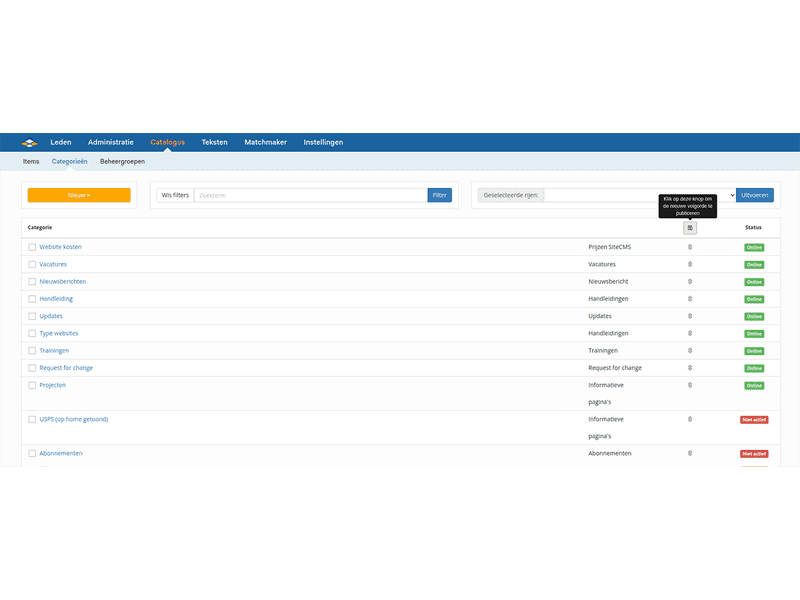
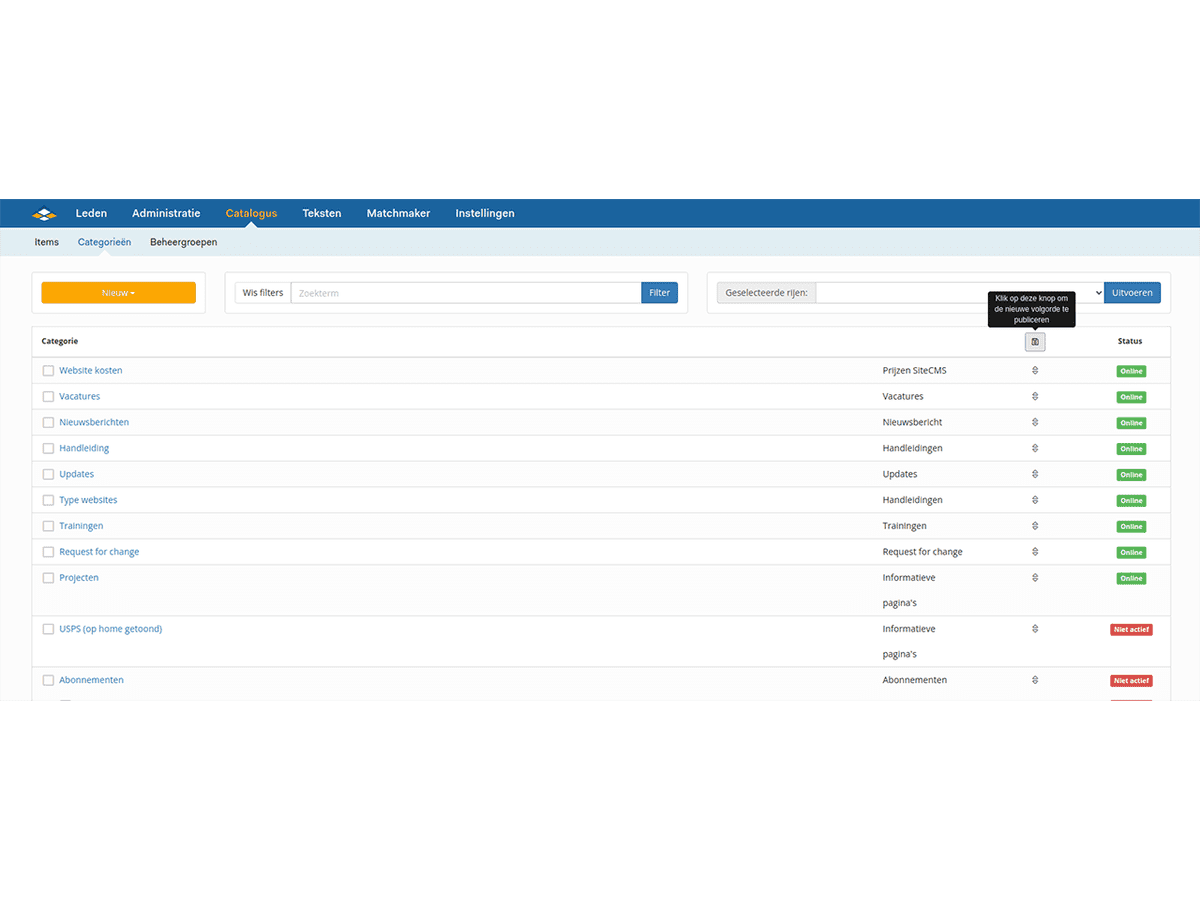
How do I change the order within a category
Within the system, you can add multiple items to a category. You also have the option to change the order of these items.
- Go to SiteCMS > Catalog > Items. You will now see an overview of all Items.
- Click on Change Order (This button is located at the top left, below the yellow New button).
- Drag the horizontal tiles into the desired order.
- Click Save to save the changes.
You have now changed the order of the items on the website.
Tip: Within the matchmaker, you can create a sorting based on a property. You can set which sortings can be used per category.